
01
Paste the tweet/media link.
Open the extension, paste the link, press Save.
 Tweet Media Archive
Chrome extension
Paste a tweet/media link. Choose Dropbox or Google Drive. Keep the saved files in one archive.

Supports
How to use it
Open the extension, paste the link, press Save.
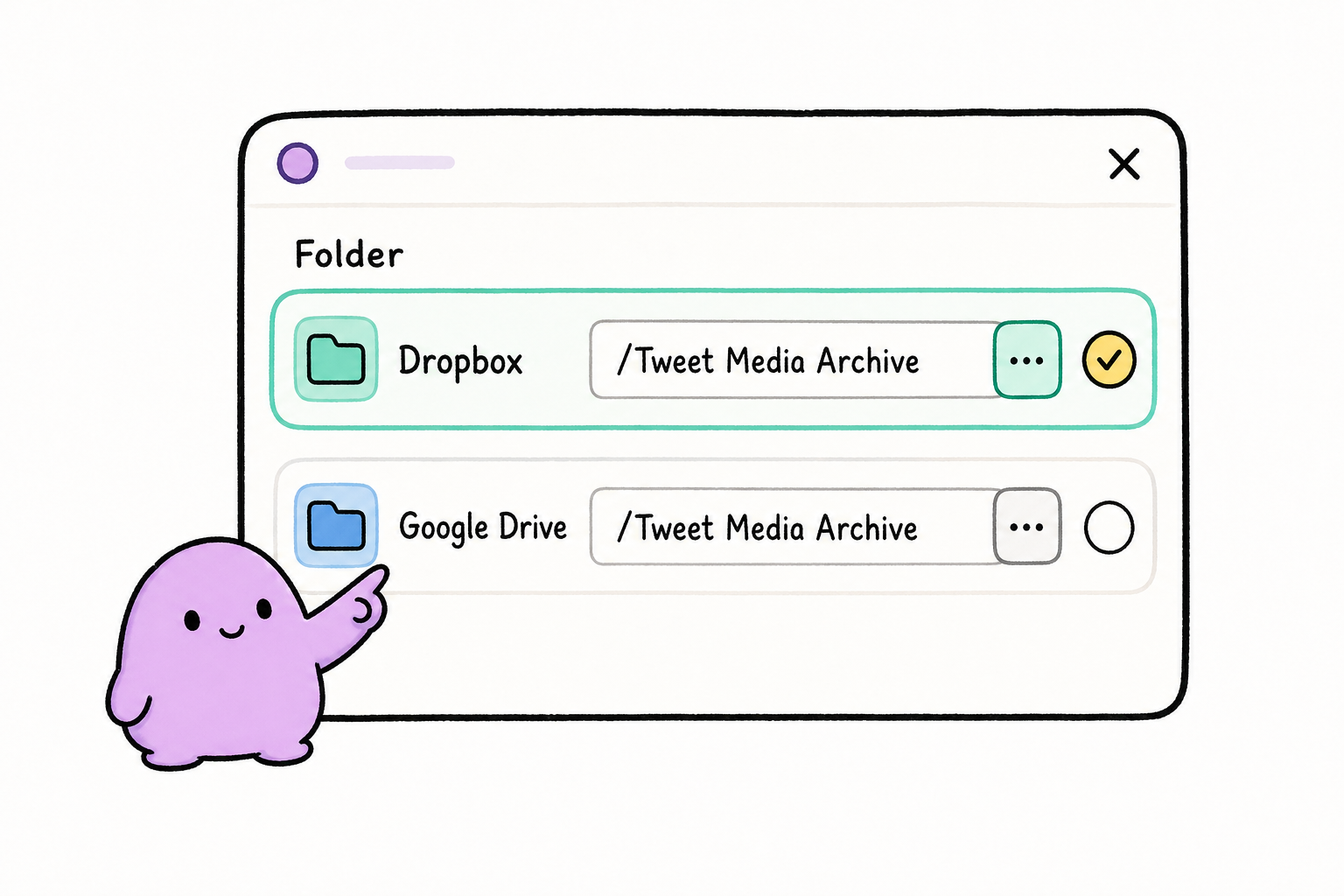
Use Dropbox or Google Drive and set the folder once.
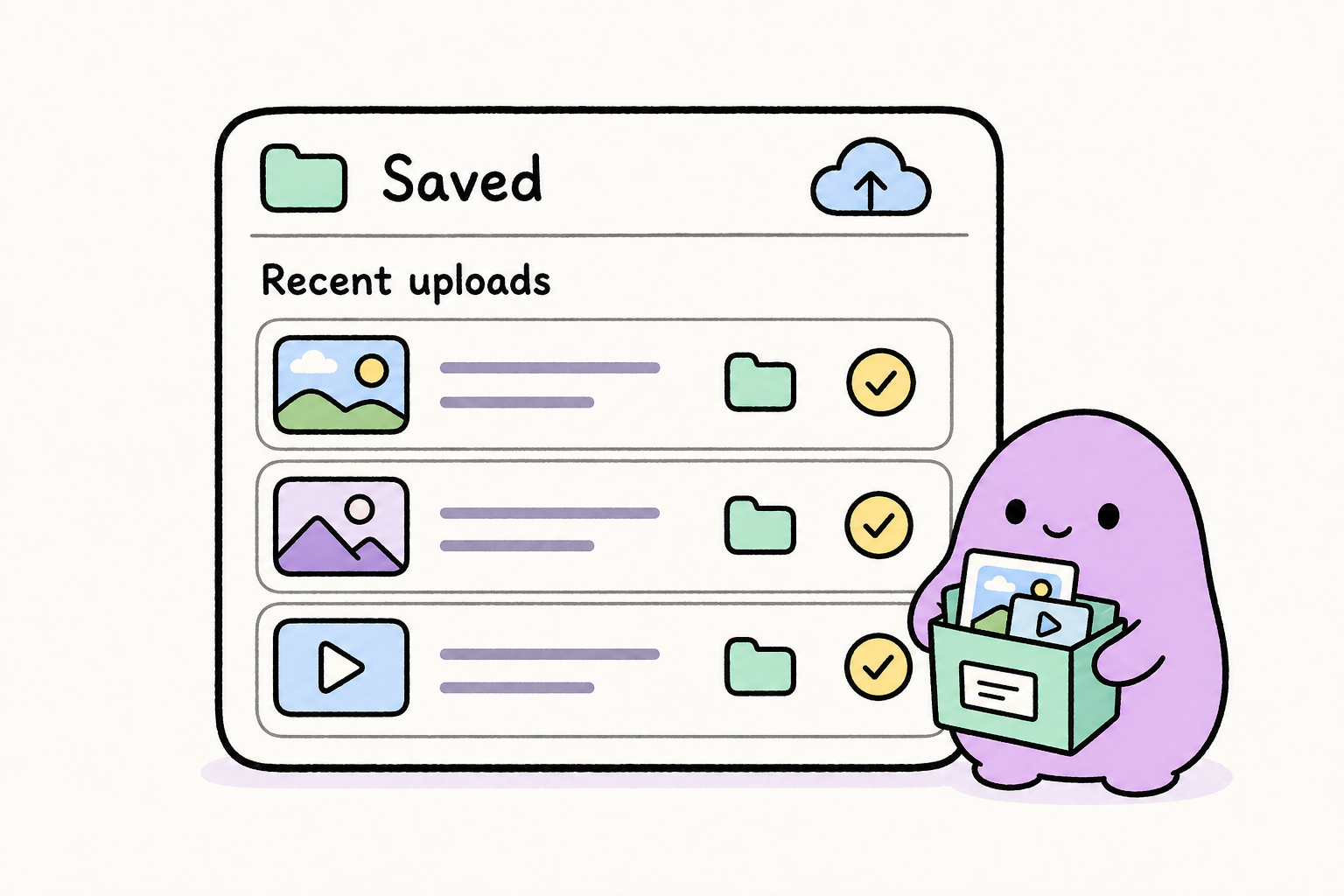
from your dropbox or google drive.
Pricing

Monthly
$2 / month
Lifetime
$8 one time